
| Introducing Order Manager
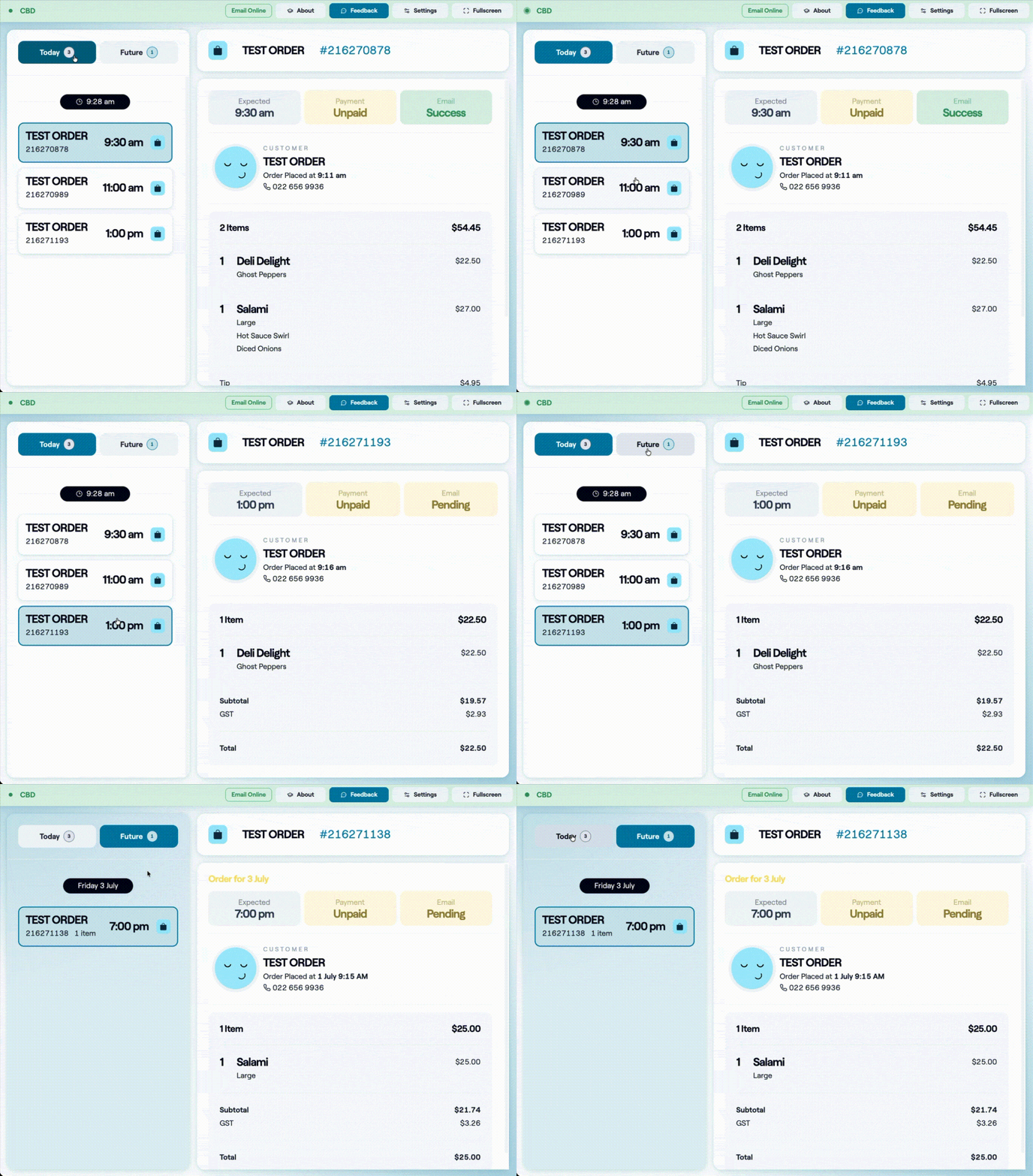
Great service starts with knowing exactly what's happening. Order Manager gives your venue one place to see every online order across MOBI and supported delivery channels. With real-time order visibility and clear dispatch status, your team can quickly identify issues, respond faster, and keep service moving. Designed for the pace of hospitality, Order Manager helps make failed dispatches impossible to miss and gives your team greater confidence during every service. Learn more about Order Manager in the MOBI Help Centre. Order Manager is currently in beta while we finalise some features. Please share your feedback so we can make improvements. |
 |
|
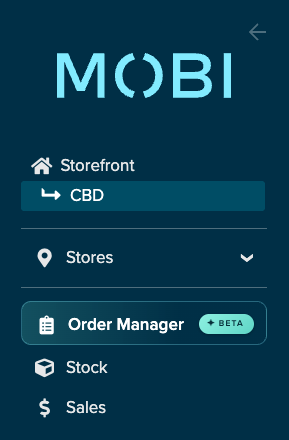
This is a Location level feature so you'll find it in your menu here: |
 |
| Introducing Hey, MOBI
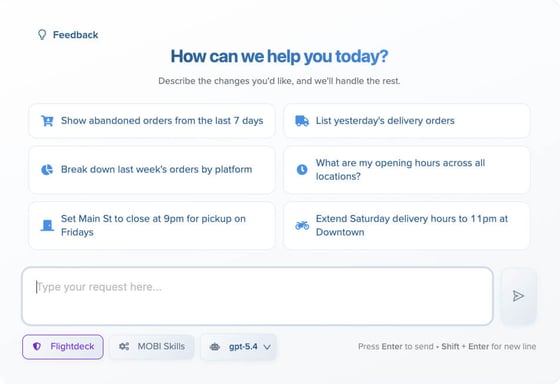
Meet Hey, MOBI our newest AI-powered assistant built to help you get more from MOBI.
|
 |
|
| Simpler Opening Hours management
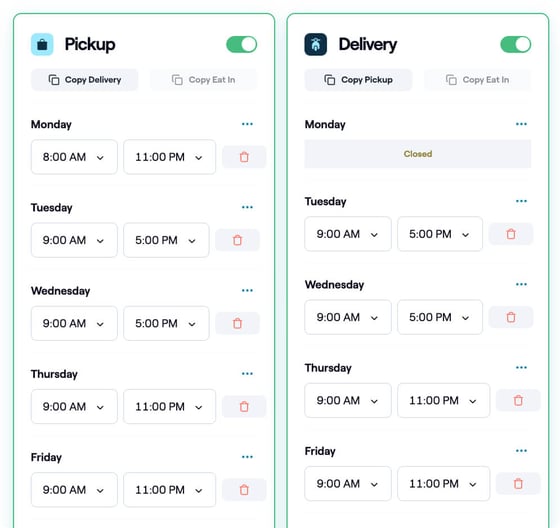
Managing your venue's trading hours is now faster and easier. We've refreshed the Opening Hours page with a cleaner layout, clearer language, and built-in holiday surcharge warnings to help reduce errors and make updates with confidence. For more information see the support article. |
 |
|
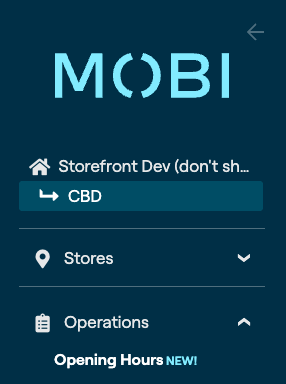
This is a Location level setting so you'll find it in your menu under Operations. |
 |
| Nutritional information on your Storefront
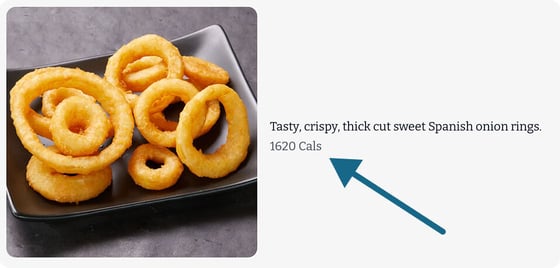
You can now display nutritional information for products and modifiers on the MOBI Storefront. Giving customers access to this information at checkout helps them make informed choices and creates a more transparent ordering experience. Find information on how to set this up in our support docs here. |
 |
| More flexibility with Oolio POS
Venues using Oolio POS can now map multiple menus to a single MOBI integration. This makes it easier to support more complex menu structures across locations while reducing administration and keeping menus in sync. Learn moreVisit the MOBI Help Centre for detailed guides on each of these updates and discover how to get the most from the latest enhancements. Until next month, |