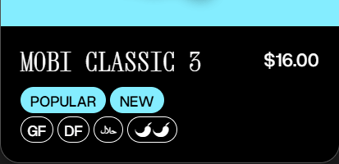
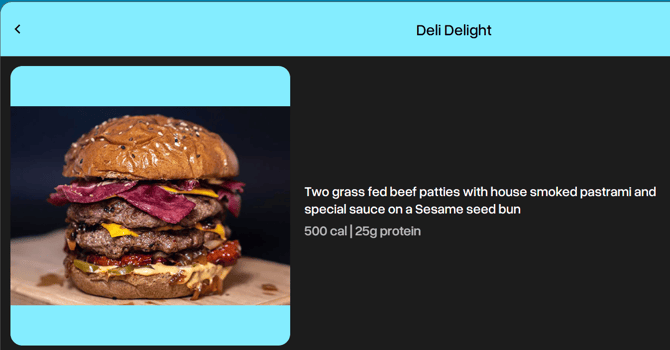
Add the information you desire
If you want, or need, to display nutritional information against items on your menu, you can now do so without needing to edit your descriptions.
Enter the information you choose into this new field in the menu editor. This is a free-text field, so can be used as you like.
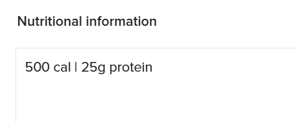
This is available for both products and modifiers.
Choose whether you show this for some, or all, locations
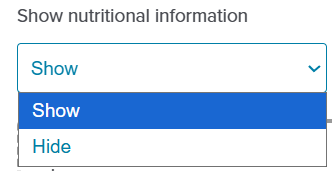
Once you have entered nutritional information in the menu editor, it will show on the storefront by default.
If you'd like the information to not show for certain locations, go to your location's General Settings, and set it to Hide.
For our Canadian brands
We know Ontario has different requirements for nutritional information to other provinces, and you may be using a separate Ontario menu for this reason.
Consider this as an option to consolidate your menu by adding calories to all products, and then Hiding the display for non-Ontario locations.
For assistance, contact help@mobihq.com
If you also want to add indicators such as spice-level, or whether something is gluten-free, consider using Dietary Filters - https://help.mobihq.com/storefront-tags-filters